

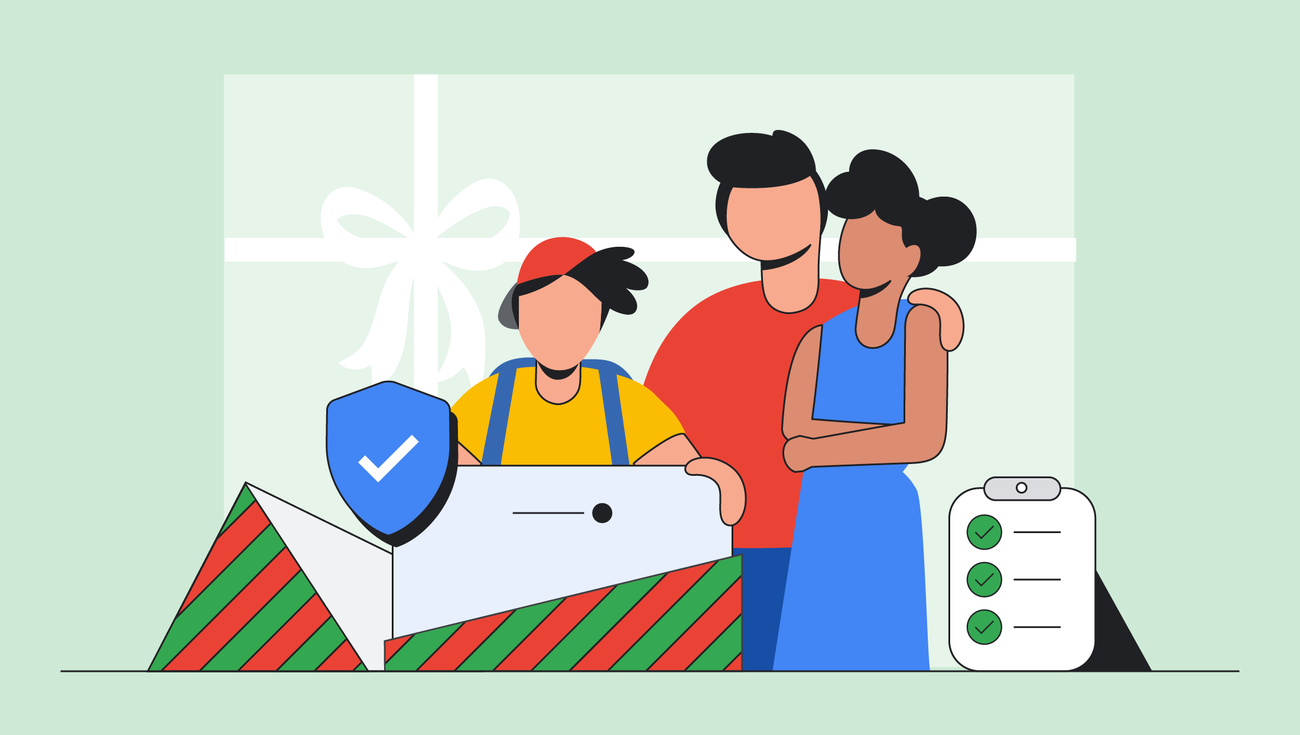
The wrapping paper is torn. The dog eats a bow. The energy in the room hovers between “joy for the world” and a sugar crash.
Then the big moment. Your child is unboxing their first internet-connected device. It will open the door to a whole world of information – one you suddenly wish came with a map.
Available this holiday season and every season in the Google Play Store and Apple App Store, Family Link from Google is here to help keep your family safer online. We believe that children thrive when they are given the opportunity to explore the Internet safely, which is why we offer controls to help you set the right boundaries for your family. Read on to learn more about how Family Link can help you understand how your child spends time on their device, share their location, manage their privacy settings, and more.
1. Find peace on earth (and quiet when it’s time for a break)
With Family Link, you can set daily overall time limits and schedule “down time” to help your child find a healthy balance. When the screen goes dark, it’s time for them to do something else. You can configure and adjust daily limits and downtime on the Screen Time tab.
2. Make a list and check it twice (approve or reject certain apps)
You set the ground rules on Family Link so you can approve or reject certain apps. You can even set time limits per app. Plus, this provides a perfect excuse to have a chat about the apps they’re for. For quality app recommendations, check out Google Play’s Best of 2025 award winners.
3. Don’t wonder when they wander (see your child’s location)
Whether you’re navigating a crowded winter market or just want to know they got to their friend’s house safely, location sharing ensures you know where they are. You can see your child’s device location on a real-time map and get notifications when they arrive or leave.
4. Your Joy, Your Comfort (Choose the Right YouTube Experience for Your Family)
Built with families in mind, parents can set up parental controls for their kids and teens on YouTube using supervised accounts. Recess and bedtime reminders are turned on by default for all accounts under the age of 18, and parents also have the option to choose from different content settings for their children.
5. And Happy New Year (back to school)
When the holidays are over, Family Link helps ease the transition back to reality. With “School Time” you can set a schedule to limit the device’s functionality during school and homework hours, mute notifications and suspend the apps you choose – helping your child focus on their learning.
The Wrap Up
Technology is part of our lives – and also our children’s lives. It connects us with distant relatives, plays Jingle Bell Rock, helps us settle our toughest board game disputes, and yes, it keeps the family occupied during the long drive home from the grandparents.
By spending 15 minutes setting up Family Link now, you’re not just giving away a gadget. You give the gift that keeps on giving – digital rules, skills and tools for the whole family.