

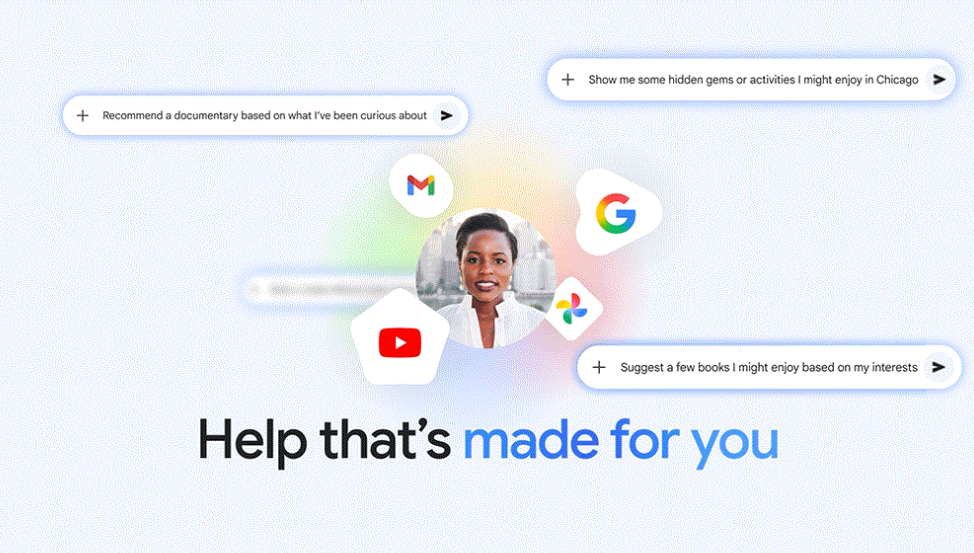
I also got good tips for books, shows, clothes and travel. This week has been exceptional for planning our upcoming spring break. By analyzing our family’s interests and past trips in Gmail and Photos, it skipped the tourist traps. Instead, it suggested an overnight stay with train travel and specific board games we could play along the way.
How it works and our approach to privacy
We built Personal Intelligence with privacy at the center. Connecting your apps is disabled by default: you choose to turn it on, decide exactly which apps to connect, and you can turn it off at any time. Once activated, Gemini will access your data to respond to your specific requests and do things for you. And because that data already lives safely with Google, you don’t need to send sensitive data anywhere else to start customizing your experience. This is an important differentiator.
You also don’t have to guess where an answer is coming from: Gemini will try to reference or explain the information it used from your connected sources so you can confirm it. If it doesn’t, you can ask it for more information. And if an answer feels off, just correct it on the spot (“Remember, I prefer window seats”). You can also easily recreate responses without personalization for a specific chat or use temporary chats to have a conversation without personalization.
We also have bumper guards for sensitive items. Gemini aims to avoid making proactive assumptions about sensitive data like your health, although it will discuss that data with you if you ask.
Our goal is to improve your experience while keeping your data secure and under your control. Built with privacy in mind, Gemini doesn’t train directly on your Gmail inbox or Google Photos library. We train on limited information, such as specific prompts in Gemini and the model’s responses, to improve functionality over time.
Here’s what that means in my minivan example. The pictures of our road trip, the license plate picture in Photos and emails in Gmail are not used directly to train the model. You are directed to provide the answer. We train the model with things like my specific prompts and responses, only after taking steps to filter or obfuscate personal data from the conversation I have with Gemini. In short, we don’t train our systems to learn your license plate number; we train them to understand that when you ask for one, we can find it.
You can read more about our privacy approach here. You can adjust settings, disconnect Google apps or delete your chat history at any time.